Friday, 2 October 2026

Scan Melon

Prepare camera and view melon analysis results.

Live preview

Inactive
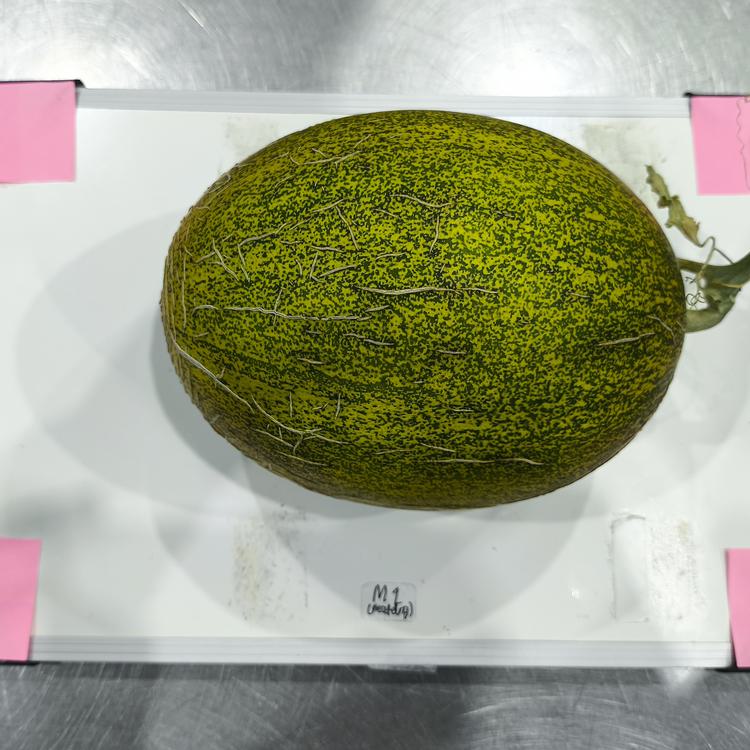
Place melon in chamber

Start camera to capture a photo.

Laptop or USB
Camera inactive No photo yet

Scan Results

Inactive

Capture a photo of the melon placed in the chamber to extract morphological features and sweetness.

Weight
1.82 kg
Diameter
15.8 cm
Skin color
Yellowish-green
Texture
Dense netting
Scanning Tips

Make sure the melon is placed in the center of the camera area and does not move during analysis.

Camera Settings

Device names appear after camera permission is granted.
Activate camera to select resolution.

Image adjustments

Hardware controls modify camera settings. Preview filters only alter screen display and are not applied to captured photos.

100%
Preview filter
100%
Preview filter
100%
Preview filter
Advanced hardware controls

Control support is verified after camera is active. Unsupported means the control is not available on your camera or browser.

—
Unsupported
—
Unsupported
—
Unsupported
Unsupported
Unsupported
Unsupported

Preset saved in browser.